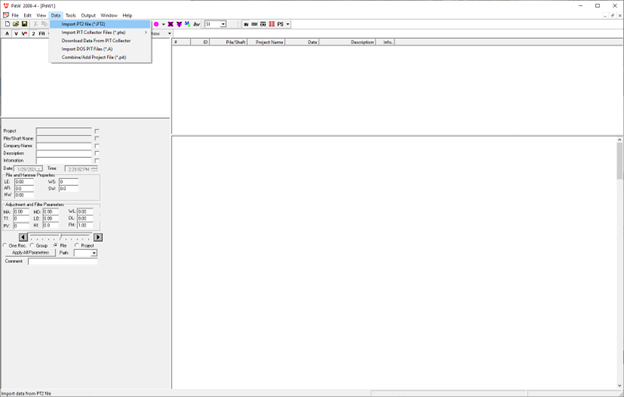

How to export a .pt2 file?
Clients can import a .pt2 file from their PIT Main Unit to their PIT-W Software program by following the steps below:
- From the Main Menu select the file folder.
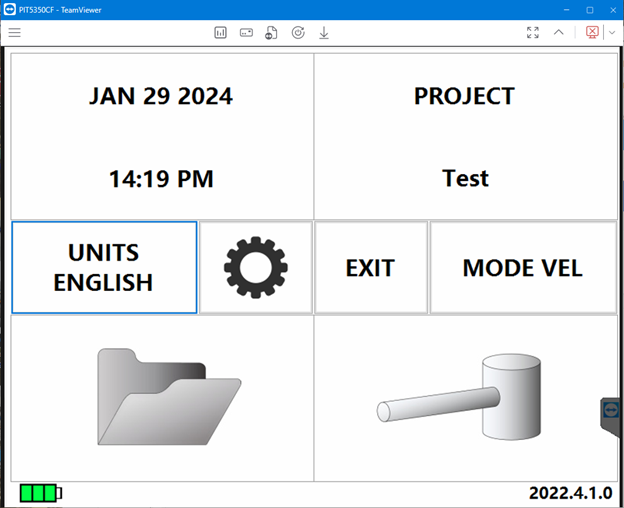
- From the File Review menu navigate to the desired project to export.
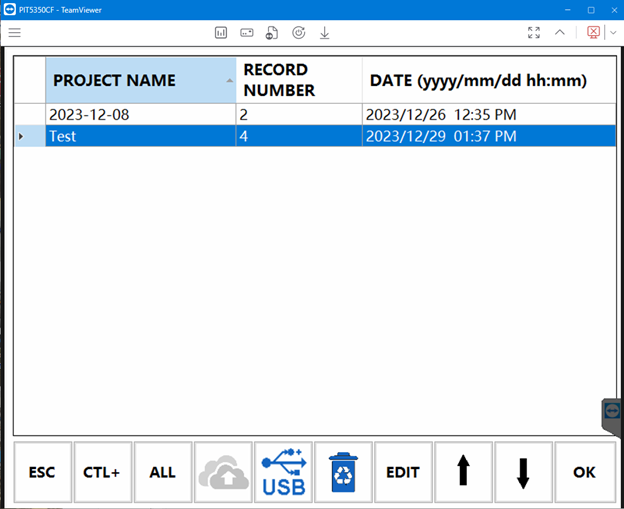
- Pug a USB drive into the unit’s USB port. The USB icon displayed on the unit’s bottom center will activate. Select the project, then select the USB icon.
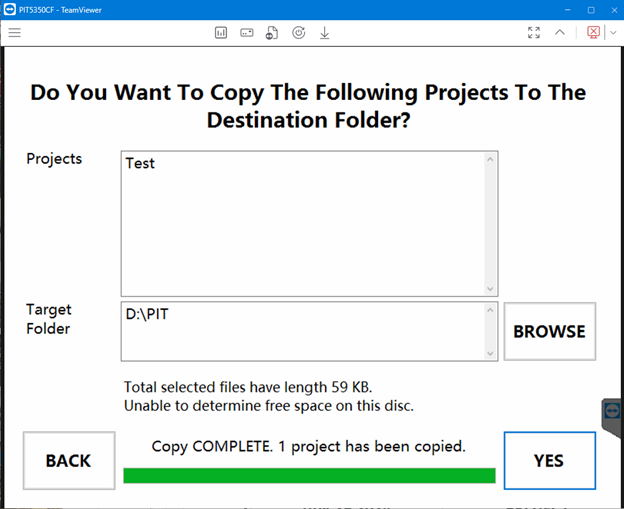
- The following prompts the user to verify the chosen project to export and the destination folder. Click “YES” to export the file.
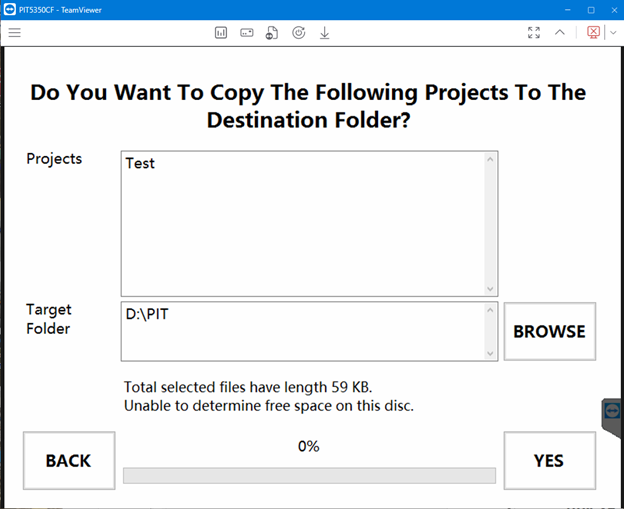
- Once completed, the program displays the following message “Copy COMPLETE. 1 project has been copied.”
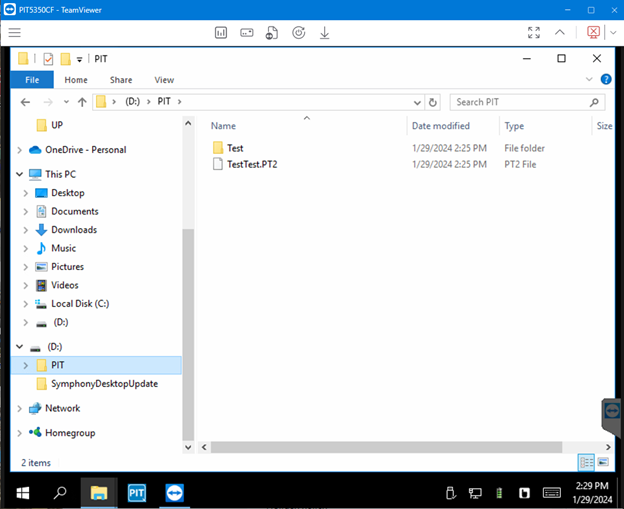
- The project is located under the “PIT” folder on the destination drive.
- The operation was successful if project appears as available to import from the PIT-W program’s data menu.